Scan QR & barcode
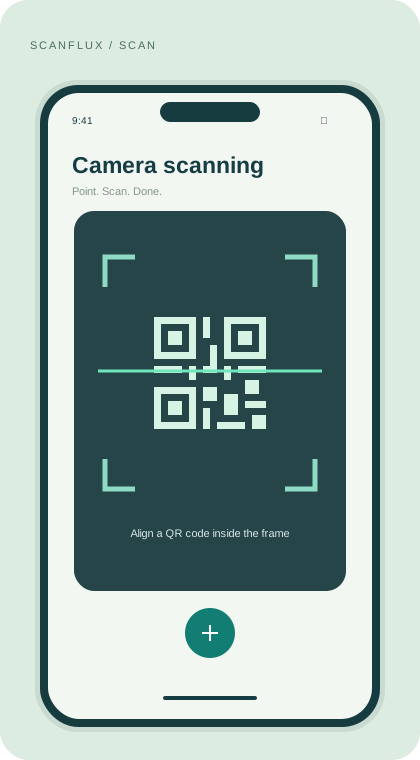
Point your camera at a supported QR code or barcode. Use flash and zoom when you need a closer look.
A little tool. A lot of possibilities.
Scan a QR code. Discover a link. Share something useful. ScanFlux brings your everyday scanning tools together in one simple app.
▷GET IT ONGoogle Play↗Made for Android · QR codes & barcodes
01 / THE ESSENTIALS
From a code on a café table to an image in your photos, keep the useful things within reach.
Point your camera at a supported QR code or barcode. Use flash and zoom when you need a closer look.
Have a code saved as an image? Import it from your device and read the code without another screen.
Turn a link, text, Wi-Fi details or contact information into a QR code you can share.
Revisit your scanned and created codes in history. Copy useful content or clear saved entries when you choose.
02 / A CLOSER LOOK
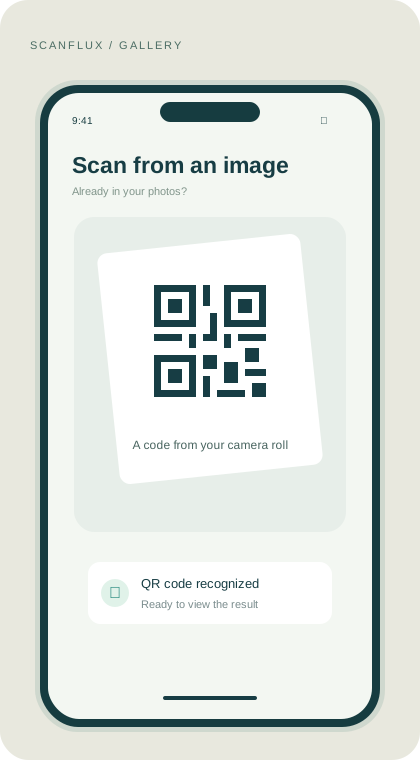
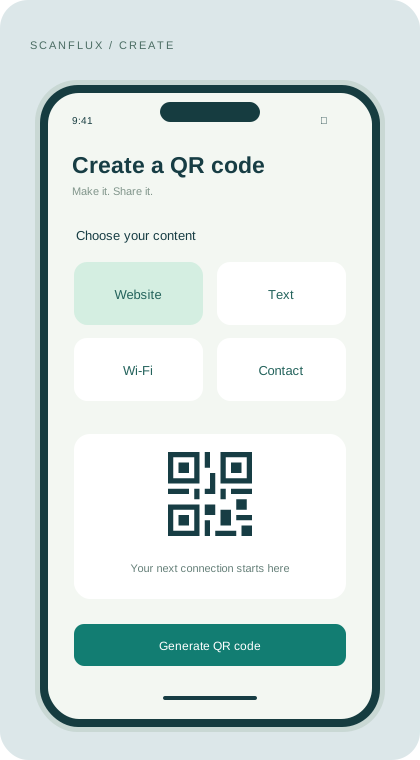
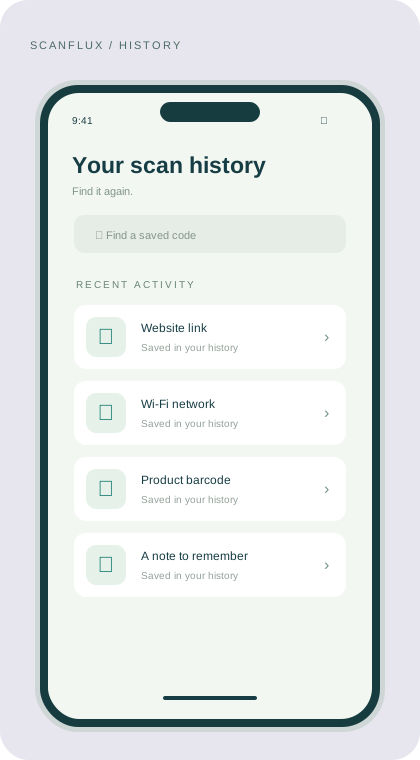
Interface illustrations · Actual app appearance may vary.
Launch ScanFlux and allow camera access to start scanning.
Align the code inside the frame, or select an image from your device.
Review the result, copy the content, or open a supported link when you choose.
THE APP AT A GLANCE
Free to install, with in-app advertising.
GOOD TO KNOW
Yes. Select an image from your device to read supported QR codes and barcodes saved in your photos.
Yes. Choose a content type, enter your details, and generate a QR code to share.
Camera access lets the scanner read codes in front of you. You can manage this permission in your Android settings.
Open history to revisit scanned or created codes. History controls let you remove saved entries.